

Data roaming is one of those mobile phone terms that almost everyone has seen pop up on their screen—but many people don’t fully understand what it means, how it works, or why it can sometimes cause unexpected charges. If you’ve ever traveled, crossed borders, or even moved between network zones and suddenly received a warning about roaming, you’re not alone.
This guide explains what data roaming means, how it works, when it’s helpful, when it can be risky, and how to manage it safely. Think of this article as a care manual for your mobile data—helping you keep it healthy, controlled, and cost-effective.
What Does Data Roaming Mean?
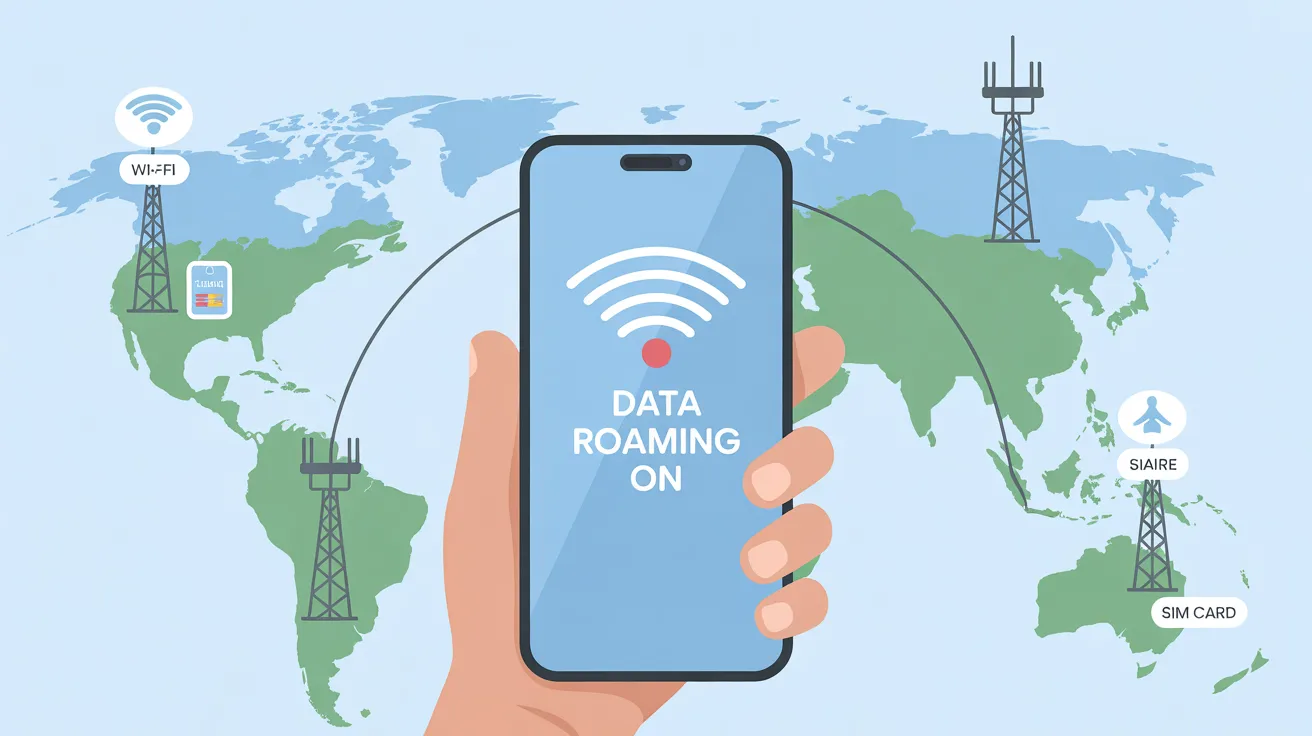
Data roaming refers to the ability of your mobile phone to connect to the internet using a network outside your home carrier’s coverage area.
In simple terms:
- Your mobile carrier has its own network.
- When you move outside that network’s range, your phone may connect to another carrier’s network.
- This connection is called roaming.
- When internet access is involved, it’s called data roaming.
A Simple Example
Imagine your mobile carrier as your home veterinarian clinic. While you’re in your city, your phone visits that clinic regularly. But when you travel to another country or region, your phone may visit a different clinic (network) that has an agreement with your carrier. That visit is roaming.
How Data Roaming Works
Data roaming works through agreements between mobile network operators. These agreements allow customers to stay connected even when they leave their carrier’s primary coverage area.
Behind the Scenes
When data roaming is active:
- Your phone searches for available networks
- It connects to a partner network
- That network provides internet access
- Usage data is sent back to your home carrier
- You may be charged based on roaming rates
This entire process happens automatically—often without the user noticing until a warning message appears.
Types of Data Roaming
Data roaming isn’t one-size-fits-all. There are different types depending on where and how you travel.
1. Domestic Data Roaming
This occurs within the same country.
- Common in rural or remote areas
- Happens when your carrier lacks coverage in certain regions
- Often included in regular plans (but not always)
2. International Data Roaming
This happens when you travel to another country.
- Most expensive type of roaming
- Rates vary widely by country and carrier
- Often disabled by default to prevent bill shock
3. Regional Roaming
Some carriers offer roaming packages for:
- Europe
- Asia
- North America
- Middle East
These plans usually include a set amount of data at reduced rates.
Why Data Roaming Can Be Expensive
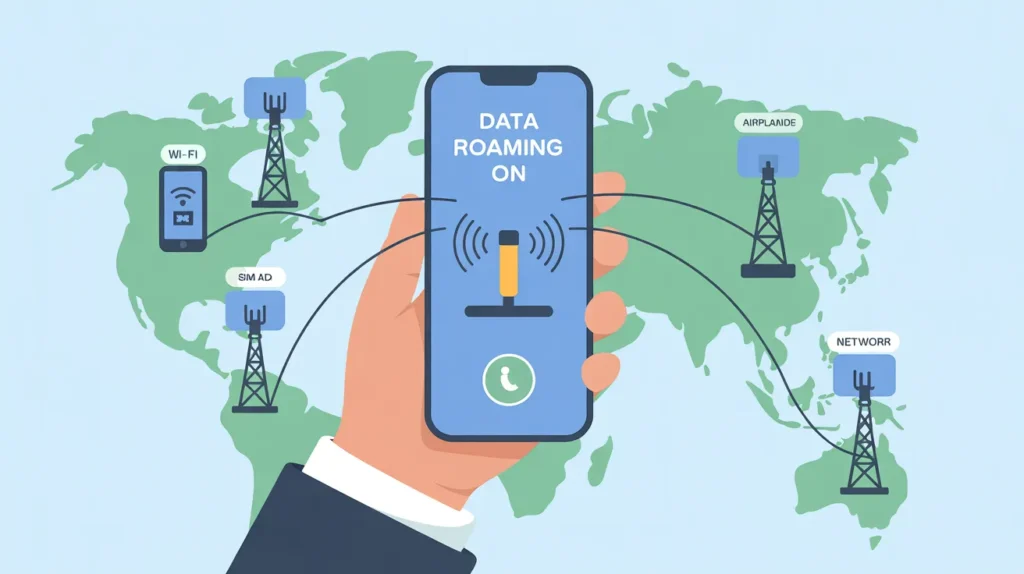
One of the biggest concerns with data roaming is unexpected charges.
Why Costs Increase
- You’re using another company’s network
- Your carrier pays that network on your behalf
- Extra fees are passed on to you
- Roaming data is often billed per megabyte
Common Cost Triggers
- Background app updates
- Cloud backups
- Video autoplay
- Navigation apps
- Social media refreshes
Even a few minutes of uncontrolled roaming can result in high charges.
Signs and “Symptoms” of Data Roaming Being Active
Just like physical symptoms warn us something is happening, your phone gives clues when roaming is active.
Visual Cues on Your Phone
- “R” symbol near signal bars
- “Roaming” text in the status bar
- Network name different from your carrier
- Warning pop-up about roaming charges
Behavioral Symptoms
- Slower internet speeds
- Sudden battery drain
- Unexpected notifications from your carrier
- Data usage spikes
When Is Data Roaming Useful?
Despite the risks, data roaming can be extremely helpful in certain situations.
Beneficial Scenarios
- Traveling abroad without Wi-Fi access
- Using maps or ride-sharing apps
- Emergency communication
- Business travel
- Accessing email or banking apps securely
When managed properly, roaming keeps you connected when you need it most.
When Should You Turn Data Roaming Off?
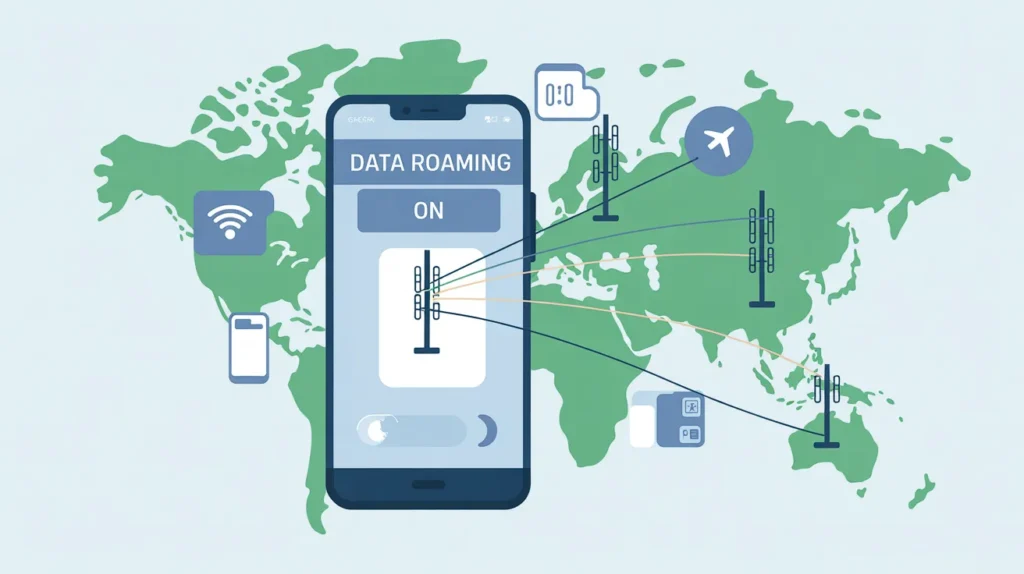
Data roaming should be disabled when:
- You don’t have a roaming plan
- You’re near a border
- You’re relying on Wi-Fi
- You want to avoid surprise charges
- You’re not actively using mobile data
Turning it off acts like putting your phone on a controlled diet—preventing unnecessary consumption.
How to Turn Data Roaming On or Off
On Android Devices
- Open Settings
- Tap Network & Internet
- Select Mobile Network
- Toggle Data Roaming on or off
On iPhone Devices
- Open Settings
- Tap Cellular
- Select Cellular Data Options
- Toggle Data Roaming
Most phones warn you before enabling roaming.
How to Use Data Roaming Safely (Practical Tips)
Managing data roaming is about prevention and awareness.
Smart Roaming Tips
- Buy a roaming package before travel
- Use Wi-Fi whenever possible
- Disable background data
- Turn off app updates
- Download maps offline
- Monitor data usage daily
Extra Safety Measures
- Enable data usage alerts
- Set data limits
- Use airplane mode with Wi-Fi
- Use messaging apps with Wi-Fi calling
Data Roaming vs Mobile Data: What’s the Difference?
| Feature | Mobile Data | Data Roaming |
|---|---|---|
| Network used | Home carrier | Partner network |
| Cost | Usually included | Often extra |
| Speed | Stable | Can vary |
| Location | Home coverage | Outside coverage |
Understanding this difference helps you make better decisions while traveling.
Data Roaming and Apps: What Uses Data Most?
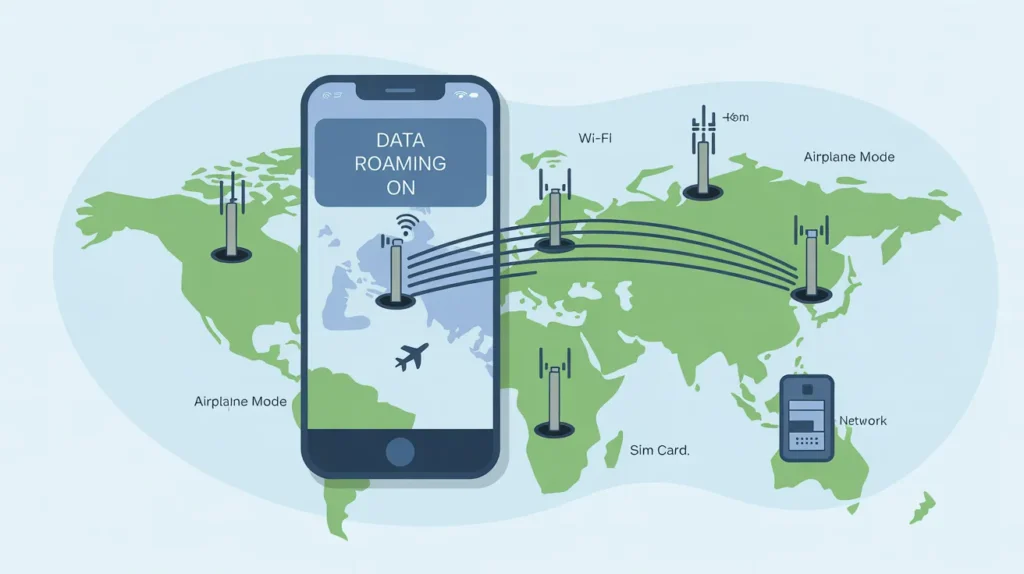
Some apps are especially “hungry” when roaming.
High-Usage Apps
- Video streaming (YouTube, Netflix)
- Social media (Instagram, TikTok)
- Cloud services (Google Drive, iCloud)
- Navigation apps
- Automatic backups
Low-Usage Apps
- Messaging (WhatsApp text only)
- Email (without attachments)
- Weather apps
- Notes apps
Where Data Roaming Can Be Found or Live
Just like animals thrive in certain habitats, data roaming exists in specific environments.
Typical “Habitats” of Data Roaming
- International airports
- Border towns
- Cruise ships
- Foreign countries
- Rural or remote regions
- Areas with limited local coverage
“Hosts” of Data Roaming
- Partner mobile networks
- International carriers
- Satellite networks (on ships or planes)
Data roaming becomes active when your phone enters these environments and seeks connectivity.
Common Myths About Data Roaming
Myth 1: Data roaming is always bad
Truth: It’s useful when managed properly.
Myth 2: Roaming only works abroad
Truth: Domestic roaming exists too.
Myth 3: Turning off roaming stops calls
Truth: You can still make calls and use Wi-Fi.
Is Data Roaming Safe?
From a security standpoint, data roaming is generally safe, but caution is advised.
Safety Tips
- Avoid public networks when roaming
- Use secure websites (HTTPS)
- Consider a VPN
- Avoid sensitive transactions on unknown networks
Data Roaming Alternatives
If roaming feels risky, consider alternatives:
- Local SIM cards
- eSIM plans
- Portable Wi-Fi devices
- Free public Wi-Fi (with caution)
Each option has its own pros and cons depending on travel length and destination.
Frequently Asked Questions (FAQ)
1. Will I be charged if data roaming is on but unused?
Usually no, but some carriers charge minimal connection fees. It’s safest to turn it off if unused.
2. Does data roaming affect call quality?
Calls may route differently, but quality is usually similar unless network coverage is weak.
3. Can I receive messages with data roaming off?
Yes. SMS and Wi-Fi messaging still work even when data roaming is disabled.
Key Takeaways
- Data roaming allows internet access outside your home network
- It can be useful but expensive
- Understanding settings prevents surprise charges
- Visual cues and warnings help identify roaming
- Smart usage keeps costs under control